
Tension limiter
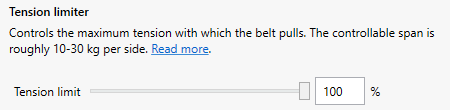
The Tension limiter controls the maximum tension with which the belt tensioner pulls. This limit applies at all times, regardless of profile and game.
Open the Devices page and select the belt tensioner. Then adjust the Tension limit slider.
The slider spans roughly 10 kg to 30 kg per shoulder strap. A lower value means a weaker pull.
Tension limiter or max-tension?
These two settings are related but not the same.
- Max-tension:
How far the shoulder straps are pulled in during heavy braking. It is set by the Auto Calibration or the Set Belt Tension tool.
- Tension limit:
How hard the belt tensioner is allowed to pull to get there.
The shoulder straps stop short of the max-tension if the tension limit is reached first.
The tension limit has been reached
The message Tension limiter is shown on the Devices page when the belt tensioner has reached the tension limit.
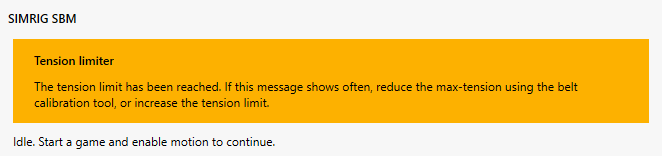
It is fine if this message shows occasionally. If it shows often, do one of the following:
Reduce the max-tension: lower the Spread and run the Auto Calibration again, or use the Set Belt Tension tool
Increase the Tension limit